
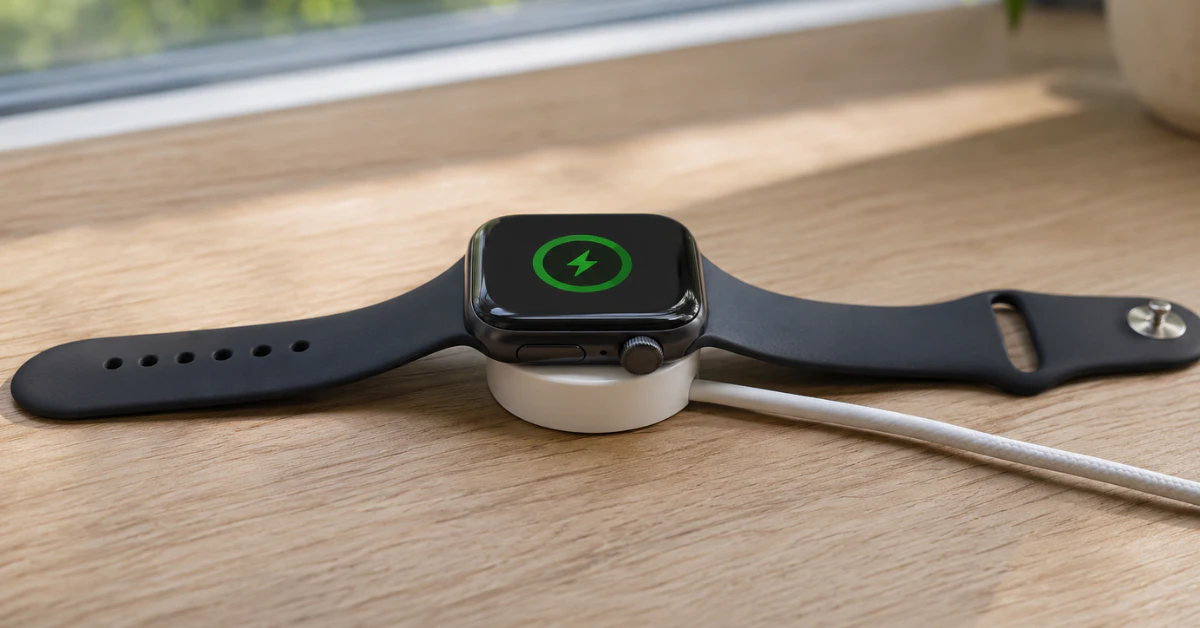

An Apple Watch can’t charge on a standard Qi pad or an iPhone MagSafe puck, so it needs a magnetic Apple Watch charger. If your original is missing, borrow an Apple or MFi-certified magnetic charger. If only the wall adapter is missing, power the cable from a computer, power bank, or iPhone 15 or later.
Losing the charging cable or being away from a wall outlet is common. This guide explains which alternatives work, which popular ideas don’t, and how to charge safely. It also covers what to check if the watch still won’t charge.
Key takeaways
- The watch has no charging port, so it always needs a magnetic charging puck. Qi pads and iPhone MagSafe chargers won’t power it.
- If you only lack a wall adapter, the cable can draw power from a computer, a power bank, or an iPhone 15 or later.
- If you lack the puck itself, borrow or buy an Apple or MFi-certified one rather than an unbranded one.
- A drained watch can take up to 30 minutes to show a lightning bolt, so wait before assuming a fault.
What “without a charger” usually means
People who search this phrase are usually in one of three situations. Each has a different answer.
- The magnetic cable is lost or broken. You need another compatible puck, because nothing else can substitute for it.
- The cable is there, but the wall adapter or outlet isn’t. Several USB power sources can stand in.
- A wireless pad or iPhone charger is on hand. Many people hope it will work, but it won’t.
Why Qi pads and iPhone chargers don’t work
Apple Watch uses its own magnetic charging system rather than the Qi standard found on most phones. A generic Qi pad therefore can’t charge it. Apple’s iPhone MagSafe charger is also made for iPhones and AirPods, not for the watch.
Some products do combine a phone pad with a dedicated Apple Watch puck. Apple’s MagSafe Duo Charger is one example, though it is now discontinued and may only be available secondhand. Look for a charger that specifically lists Apple Watch support, and never wire a bare cable to the watch’s back or the puck.
How to charge Apple Watch without charger: safe options
Pick the option below that matches what you’re missing. Start with the least risky one.
Use a different Apple or MFi-certified magnetic charger
A friend’s or family member’s Apple Watch cable is the simplest fix. Older cables generally still work, though Apple notes that charging may be slower with a cable from an earlier watch generation. Series 6 and earlier shipped with a USB-A cable, while newer models ship with a USB-C cable.
If you buy a replacement, choose an Apple or MFi-certified one. Apple’s support guidance also advises using the cable that came with your watch whenever a third-party stand misbehaves.
Power the cable from a computer or USB port
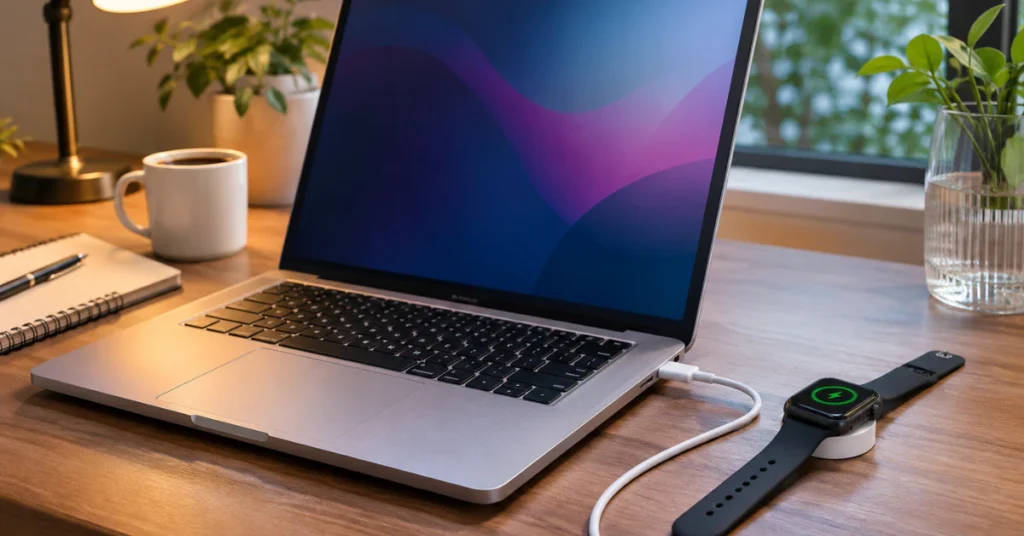
If you only lack a wall adapter, plug the magnetic cable into a laptop or desktop USB port. Apple notes that computers and USB hubs with other connected devices may reduce the maximum power output. Expect slower charging than from a dedicated adapter.
Use a power bank
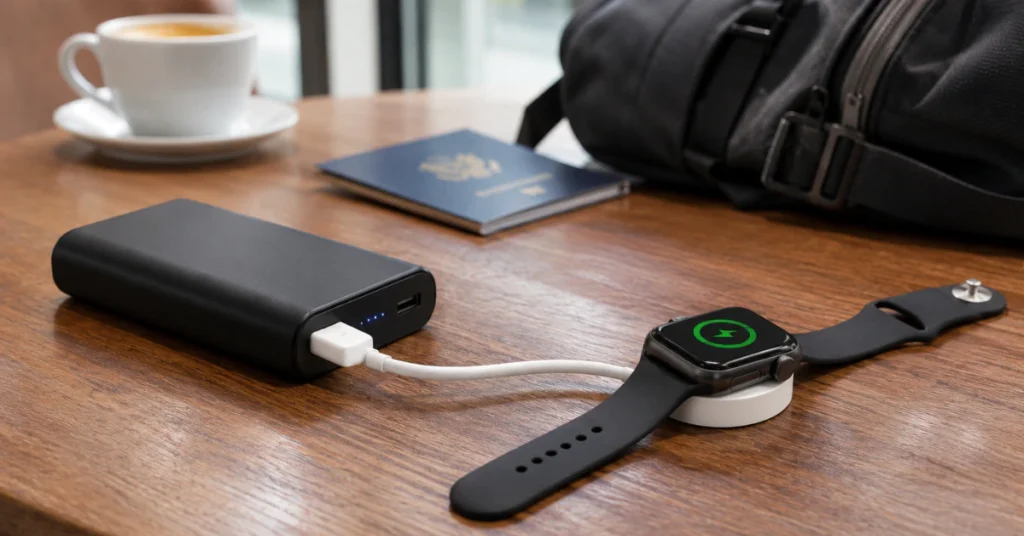
A power bank with a port that fits your cable can act like a wall adapter. Apple’s charging guidance doesn’t specifically address power banks, so treat this as a practical option rather than an official one. Choose a reputable brand, and stop if the bank, cable, or watch becomes unusually hot.
Charge from an iPhone 15 or later
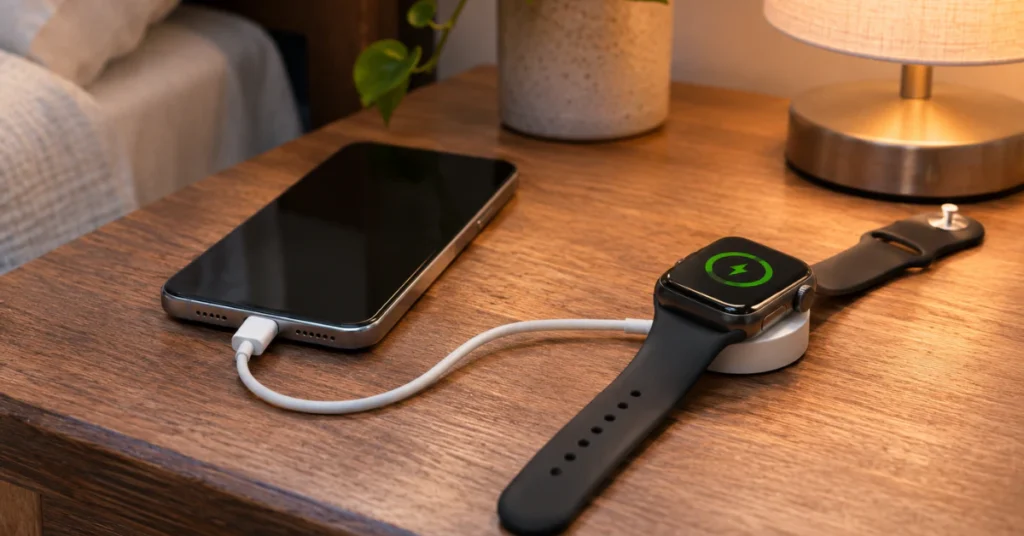
iPhone 15 and newer models can supply up to 4.5W through their USB-C port to small accessories, including Apple Watch. Connect a USB-C Apple Watch magnetic cable to the iPhone, then place the watch on the puck. Older iPhones with a Lightning port don’t offer this. Reverse charging also drains the iPhone faster than normal.
Use a certified dock or stand
Docks that list Apple Watch support can work well for travel. Apple says the MagSafe Duo works with all Apple Watch models but doesn’t support fast charging on Series 7 and later. Apple recommends a 20W or higher USB-C adapter with it.
Charging steps that apply to every option
- Dry the watch and puck completely. Don’t charge a wet watch.
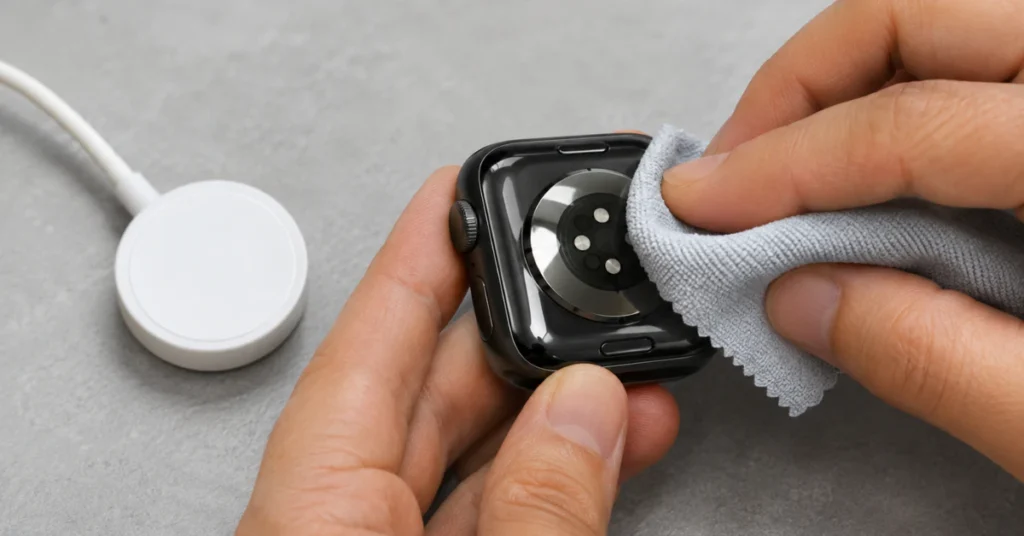
- Wipe the back of the watch and the puck with a clean, lint-free cloth.
- Remove any plastic wrap from both sides of the charger.
- Push the cable fully into the adapter, computer port, or power bank.
- Place the back of the watch on the puck so the magnets snap into position. A lightning bolt should appear.
- If you have an Apple Watch Ultra or later and the connection is unreliable, Apple suggests removing the band before charging.
- If the watch is completely drained, leave it connected for up to 30 minutes before judging the result.
Charging speed and model differences
Fast charging needs a supported watch, the USB-C Magnetic Fast Charging Cable, and a suitable USB-C Power Delivery adapter. Apple’s retail listing for the cable limits fast charging to Apple Watch Series 7 or newer. Other models charge at regular speeds.
With watchOS 26 or later, the watch may show a “Slow Charger” message under Settings > Battery, if available. Apple says this doesn’t indicate a fault. It means a higher-wattage charger could speed things up.
Temperature matters too. Apple notes that a watch charging in very hot or cold conditions may reduce its charge speed to protect the battery.
What to check if it still won’t charge
Work through these in order, from least to most involved.
- Swap the power source. Try a different outlet, adapter, or port. If it charges, the original source was the problem.
- Swap the cable. Try another genuine or certified magnetic cable. If it charges, the first cable is likely faulty.
- Clean and reposition. Dirt, residue, or a case can stop the magnets seating properly.
- Wait. Give a drained watch up to 30 minutes.
- Force restart. Press and hold the side button and Digital Crown together for at least 10 seconds, until the Apple logo appears. This doesn’t erase your data.
Don’t unpair, erase, or factory reset the watch as a charging fix. Those actions can remove data and won’t solve a power problem.
Troubleshooting table
| Symptom | Possible cause | Recommended next step |
| No lightning bolt after 30 minutes | Drained battery, dirt, poor alignment, or faulty cable or adapter | Clean both surfaces, reposition, swap cable and adapter, then force restart |
| “Charging with this accessory isn’t supported” | Uncertified or incompatible accessory, or a stand issue | Use the cable that came with the watch or an MFi-certified one |
| Charges from a wall adapter but not a computer port | Port supplies too little power | Use a wall adapter or a different port |
| Charges very slowly | Low-wattage source, hub, older cable, or temperature | Plug into a dedicated USB-C adapter and charge at room temperature |
| Watch won’t stay attached | Debris, band, or case in the way | Clean both surfaces and remove the case or band |
| Watch or charger feels hot | Possible accessory fault, hardware problem, or heat | Unplug and let it cool; if it recurs, contact Apple Support |
When to stop and get professional help
If the watch doesn’t charge with a known-good cable, adapter, and outlet, the fault may be in the watch itself. Apple’s support steps point users to Apple Support at that stage. You can also check your coverage using the serial number on the back of the watch.
Stop charging immediately if the watch is swollen, leaking, or unusually hot. Don’t try to open the case. Opening a watch risks damaging the battery and water seals, and it can affect warranty coverage. Repair or replacement of a charging fault should go through Apple or an authorized service provider.
Frequently asked questions
Can I charge my Apple Watch with my iPhone?
Yes, but only wired and only with an iPhone 15 or later. Plug a USB-C Apple Watch magnetic cable into the iPhone’s USB-C port and place the watch on the puck. Apple says the port can supply up to 4.5W to small accessories, so charging is slow and drains the iPhone faster.
Will a Qi wireless pad charge an Apple Watch?
No. Apple Watch doesn’t support standard Qi charging, and an iPhone MagSafe puck is made for phones and AirPods. If you want an all-in-one wireless dock, choose one that specifically lists Apple Watch support, and check that it works with your model before relying on it.
Can I charge an Apple Watch with just a regular USB cable?
No. The watch has no charging port, so a plain USB-C or Lightning cable has nothing to connect to. It needs the magnetic puck, which sends power through the back of the case. Choose the USB-A or USB-C end that matches the power source you have.
Are cheap third-party Apple Watch chargers safe?
Quality varies. Apple’s guidance points users to Apple or MFi-certified accessories, and uncertified chargers may charge poorly or trigger an “accessory not supported” warning. Avoid anything unbranded, damaged, or unusually hot in use. If a third-party stand misbehaves, try the cable that shipped with the watch.
How long does an Apple Watch take to charge?
It depends on the model, charger, and temperature. For supported newer models using the USB-C fast-charging cable and a suitable Power Delivery adapter, Apple cites about 45 minutes to reach 80 percent under test conditions. Slower chargers, computer ports, and extreme temperatures take longer. A fully drained watch may need up to 30 minutes before showing the lightning bolt.
Can I charge my Apple Watch in a car?
Often yes, if the car’s USB port accepts your cable, but expect slower charging. Apple notes that USB hubs and car ports may charge more slowly than a dedicated USB-C charger. Avoid leaving the watch and cable in a hot parked car, because high temperatures can slow charging as the watch protects its battery.
Conclusion
An Apple Watch can’t charge without a magnetic puck, but the power source behind it is flexible. A wall adapter, computer port, power bank, or iPhone 15 or later can all feed a compatible cable. If the puck is missing, borrow or buy an Apple or MFi-certified one. If charging still fails with a known-good setup, contact Apple Support and stop using the watch if it overheats or swells.
Disclaimer
This article gives general guidance based on Apple’s published support information and may not apply to every model or watchOS version. Charging speeds and accessory behavior vary, and uncertified chargers carry risks. Back up your iPhone and Apple Watch data where possible, and consult Apple or an authorized service provider for hardware faults, battery concerns, or warranty questions.
